

Creating a blog with Cookiecutter-Django & deploying it to Heroku: Introduction

Photo by Luca Bravo on Unsplash
Table of Contents
I. An introduction on the tech stack we're using and how we'd style our blog
II. Creating the blog project
III. Starting a Django App
IV. Model Architecture Planning
V. Creating the models.py, views.py, urls.py, admin.py & the superuser
VI. Testing our app using Unittests
VII. Creating the data and fine-tuning the templates
VIII. Showing Data on the frontend
IX. Deployment to Heroku
I. Introduction
In this tutorial, I'll walk you through developing a blog using the Cookiecutter-Django framework, storing the projects' static assets in an AWS S3 bucket, and deploying the blog to Heroku. Our blog would have a blog model that we'll call Post, a categories model, a contact form, and a model to showcase our past works or a portfolio page.
We'll then be using Bootswatch's Darkly theme, built on top of the Bootstrap CSS framework for our blog's styles. Feel free to choose a different theme if you prefer to.
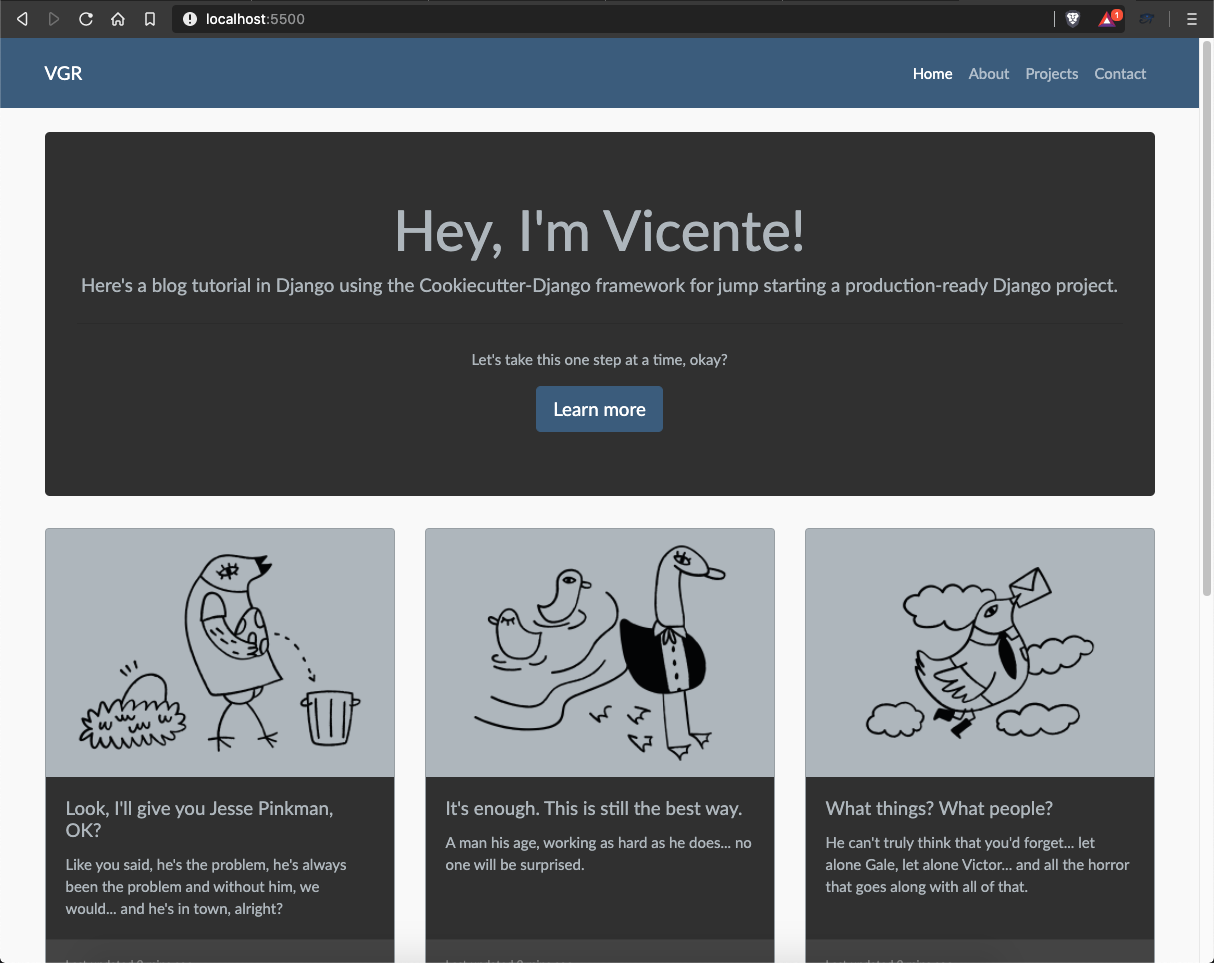
Homepage
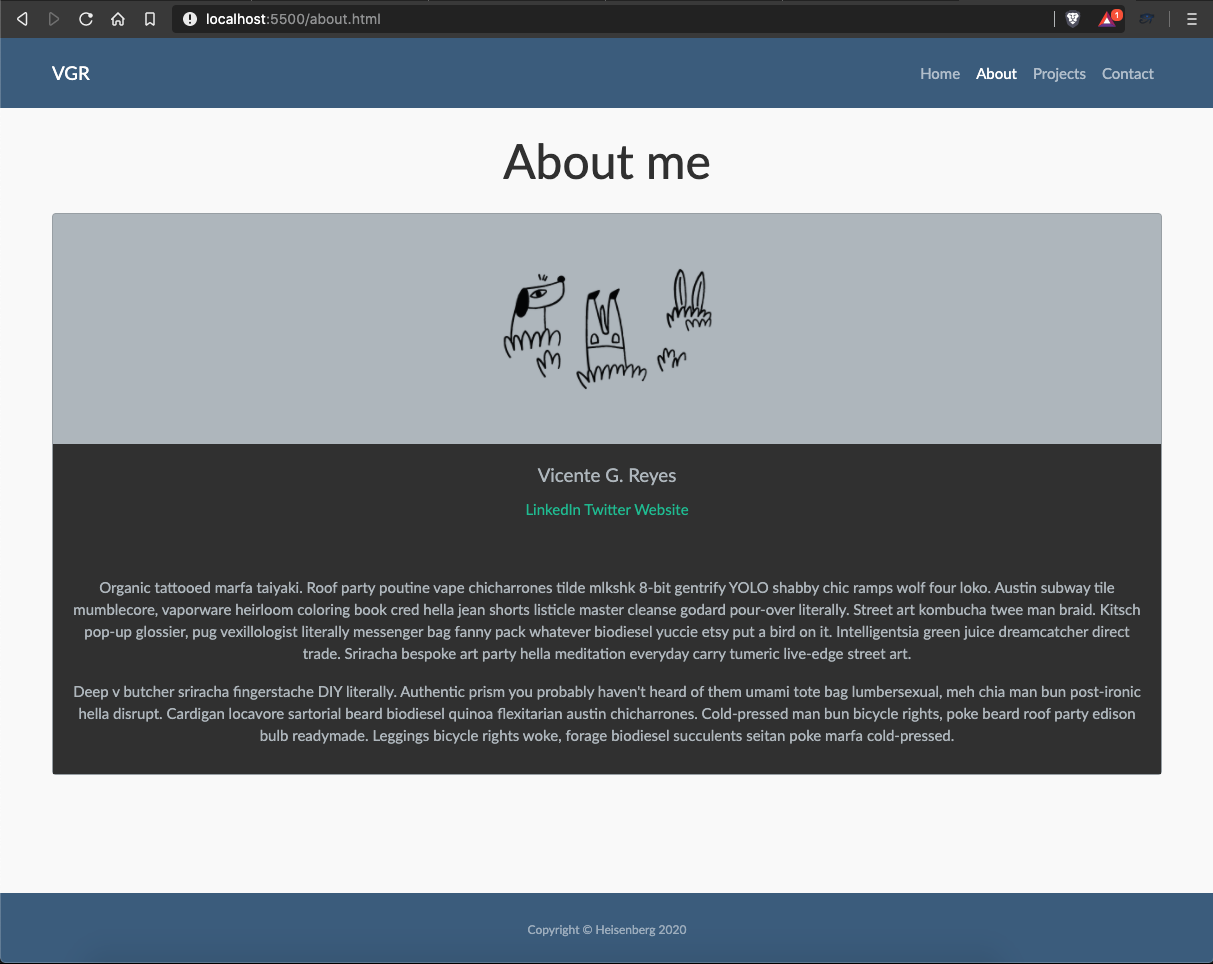
About page
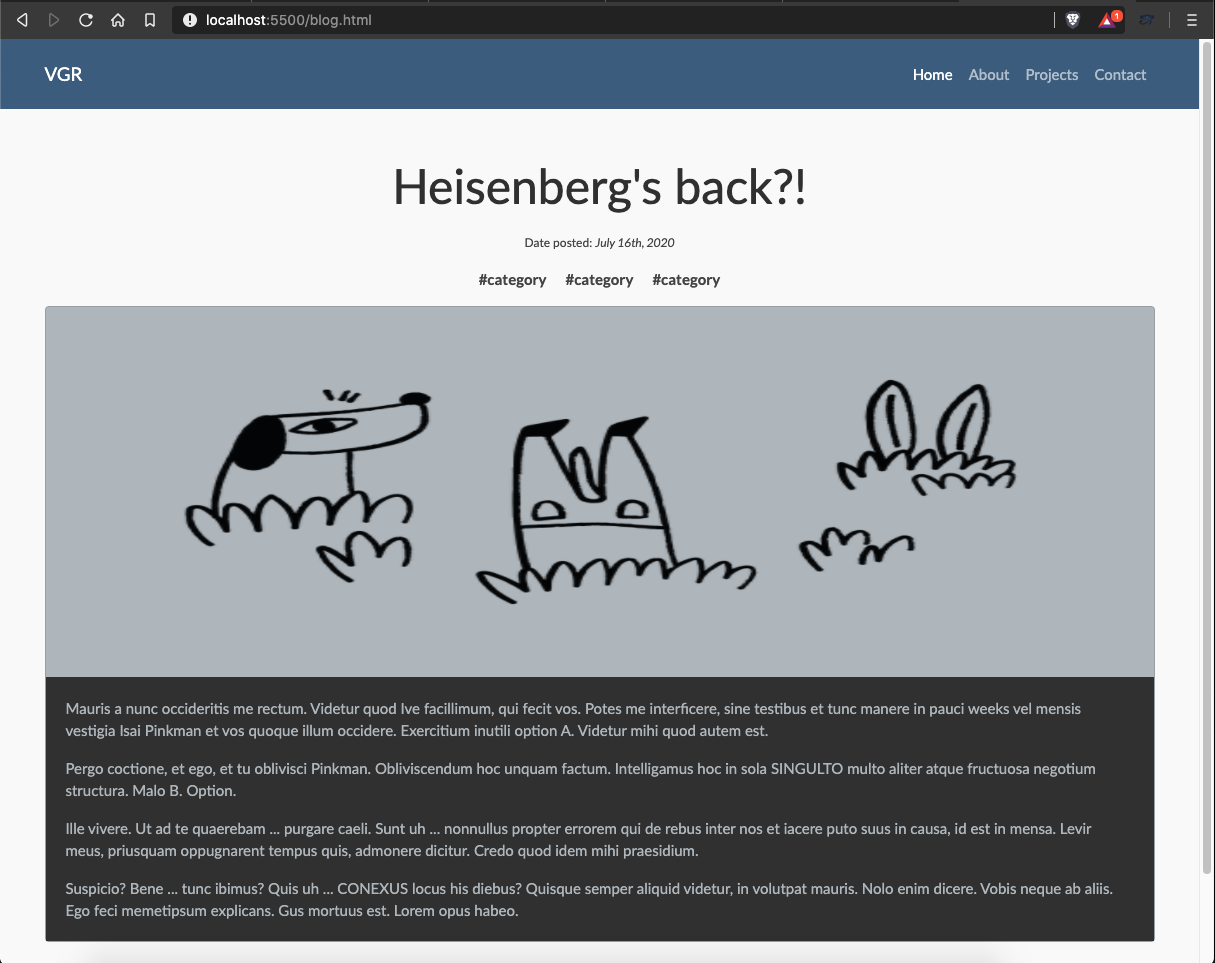
Blog detail page
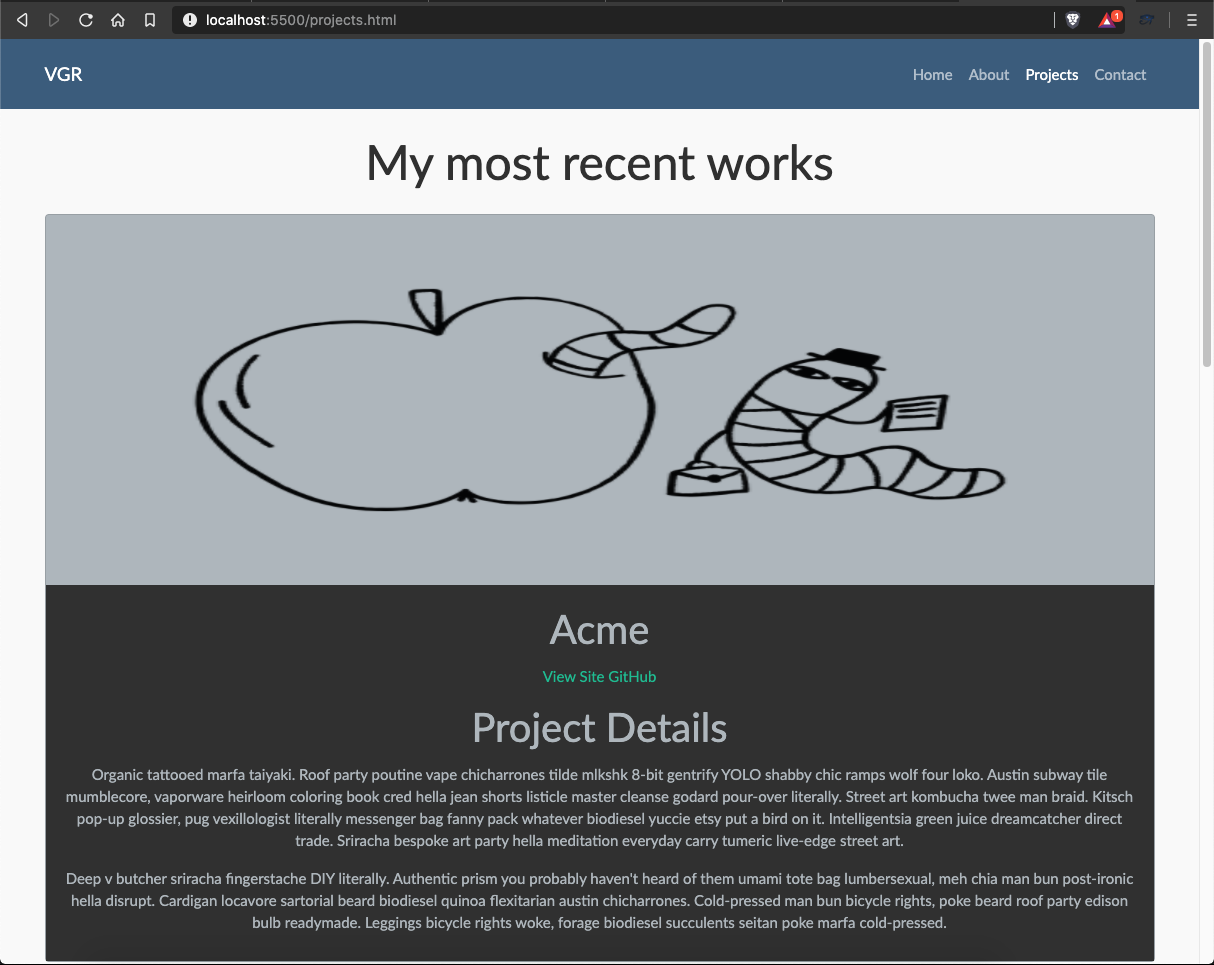
Portfolio page
Contact page
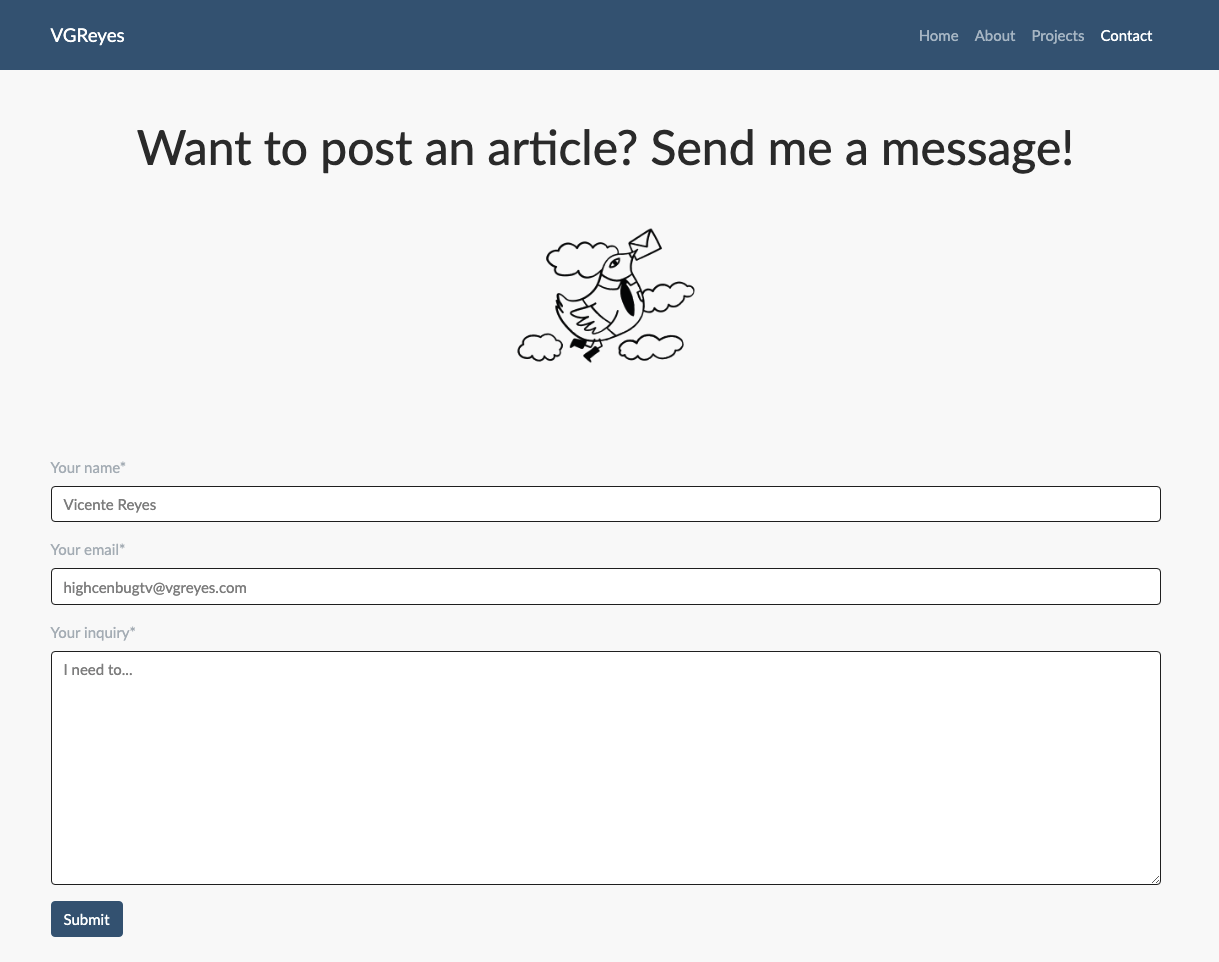
Since we now know how the site would look, let's start creating our models and understand how Django's Model-View-Template architecture works.
About the author
Python Developer | Audio Editor | Technical Writer | OSS Contributor | Tag Moderator @ @ThePracticalDEV | Valorant TonyPoppins #881488
Comments
Join the discussionNo comments yet. Be the first to comment.
Creating a blog with Cookiecutter-Django & deploying it to Heroku
Learn to jumpstart a production-ready blog using the Cookiecutter-Django framework and how to deploy it to Heroku


